Help Desk Vishing: What Cisco Talos Found in Q3 2026
Help Desk Vishing Opened the Door to Ransomware. A Callback Closes It.
Cisco Talos found attackers posing as the IT help desk by phone, email and Microsoft Teams in several Q3 2026 incident response engagements. One remote session later, an intrusion ended in VYPR ransomware. Here is the chain, what Talos confirmed, and the procedure that breaks it.
No exploit opened this door. A phone call and a remote session did. You cannot patch a phone call, but you can put a procedure in front of it.

What is help desk vishing?
Help desk vishing is voice phishing in which an attacker poses as an organization’s own IT help desk to talk an employee into a consequential action, most often granting remote access, resetting a credential or enrolling a new MFA device. Cisco Talos saw it in several Q3 2026 incident response engagements, and one ended in ransomware.
of Talos IR Q3 2026 engagements began with phishing, still the top initial access vector
of Talos IR Q3 2026 engagements were ransomware or pre-ransomware, up from at most 20% of engagements in each of the four prior quarters
of Talos IR Q3 2026 engagements showed missing or insufficient MFA as a security weakness
Cisco Talos published its Q3 2026 incident response trends on October 29. Phishing fell from over 50% of engagements in Q2 to 37% of engagements in Q3, yet it stayed the most common way in. The detail that stands out sits inside that number: alongside links and attachments, Talos observed numerous threat actors using help desk vishing to get victims to allow remote access through a legitimate remote monitoring and management (RMM) tool.
This is not a new playbook. We covered the same pattern in our Black Basta ransomware analysis and in Teams vishing. What Talos adds is fresh, first-hand incident evidence that the playbook still works, and that it still leads to encryption.
How the help desk vishing chain ran, step by step
The clearest case in the report involves VYPR, a ransomware variant Talos describes as new and operationally immature. Here is the sequence, as Talos and Help Net Security reported it.
Make contact as the help desk
The approach looked routine. Posing as IT support, the actors reached employees by phone, email and Microsoft Teams, using identities that mimicked real help desk staff. Talos found little sign of deep research beyond names and email addresses, and targets varied, which suggests the actors wanted any user who would say yes.
Get the user to start a remote session
The user opened the session. In the VYPR case, a voice call persuaded an employee to launch a Microsoft Quick Assist session. Talos could not confirm what the caller said. It could confirm the session.
Run the payload through trusted tools
Nothing exotic was needed to get started. The actor used RMM software already on the network to run PowerShell, which downloaded and installed an MSI package from a remote IP address. MeshAgent, Rclone, PsExec and remote desktop followed.
Switch off endpoint defenses
Security tooling went quiet next. The actor used bring-your-own-vulnerable-driver techniques, deploying an unusually large number of vulnerable drivers to disable EDR and antivirus.
Exfiltrate, then encrypt
An immature crew still reached encryption. Data left over several days before VYPR ran. Talos notes the code reused older leaked Conti-derived source with minimal changes. The entry did not require sophistication, because step 02 asked for nothing more than a yes on a phone call.
What Talos confirmed, and what it did not
Precision matters when a report becomes a talking point, so here is exactly what the evidence supports.
| Finding | Status | Detail |
|---|---|---|
| Help desk impersonation to gain remote access | Confirmed | Seen in several Q3 2026 engagements, by phone, email and Teams |
| User-initiated Quick Assist session | Confirmed | VYPR case, started after a voice call |
| RMM used to install the payload | Confirmed | PowerShell pulled an MSI package from a remote IP |
| EDR disabled with vulnerable drivers | Confirmed | BYOVD, with an unusually large number of drivers |
| What the caller actually said | Not confirmed | Talos could not establish the exact technique |
| AI or cloned voices | Not reported | Nothing in the report says the callers used synthetic audio |
Sources: Cisco Talos, IR trends Q3 2026 (October 29, 2026); Help Net Security (October 30, 2026).
A real help desk never needs you to open the door on a call it started.
Why help desk vishing works, with or without AI
That last row in the table is the most useful one. Nothing in the report points to a cloned voice. The callers worked with little more than a name, an email address and a believable reason. That is synthetic normalization in practice: plausibility beats fidelity. An employee who expects IT to reach out over Teams has no reason to question a caller who sounds like IT and asks for something IT asks for every day.
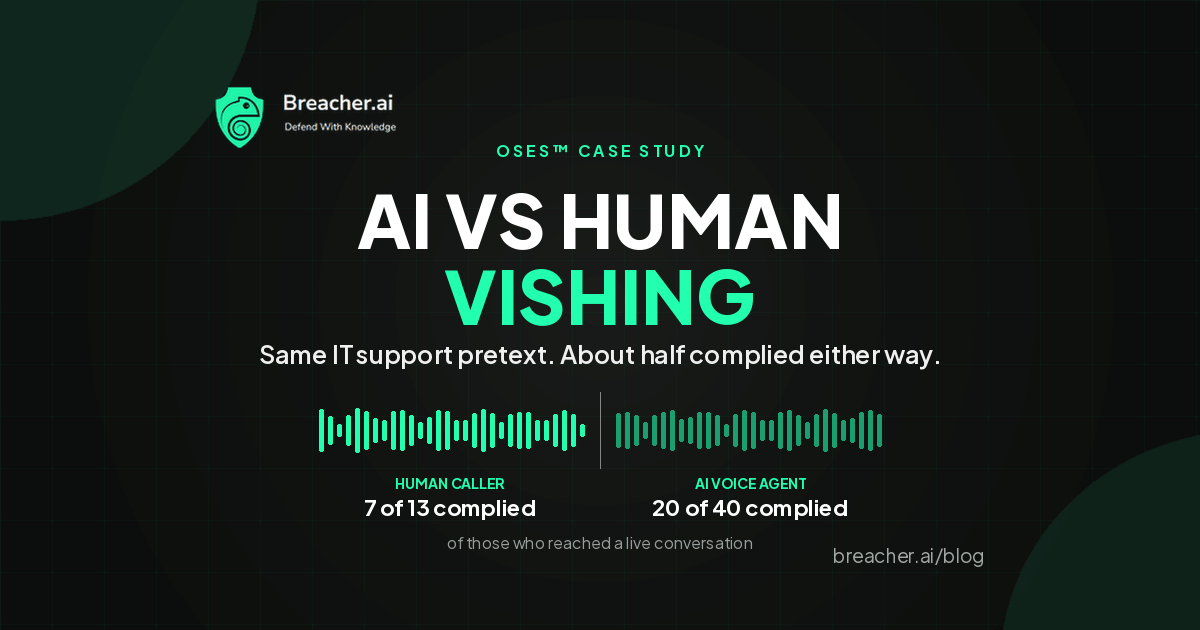
AI voice agents make the same call cheaper to place, in any language, at any hour, at volume. We compared the two in AI vs human vishing. The defensive answer does not change with the caller, which is exactly why it is the right place to invest.
Depends on a tell. A rushed tone, an odd accent, a strange number. A competent human caller has none of those, and an AI voice removes the rest. This control decays as the caller improves.
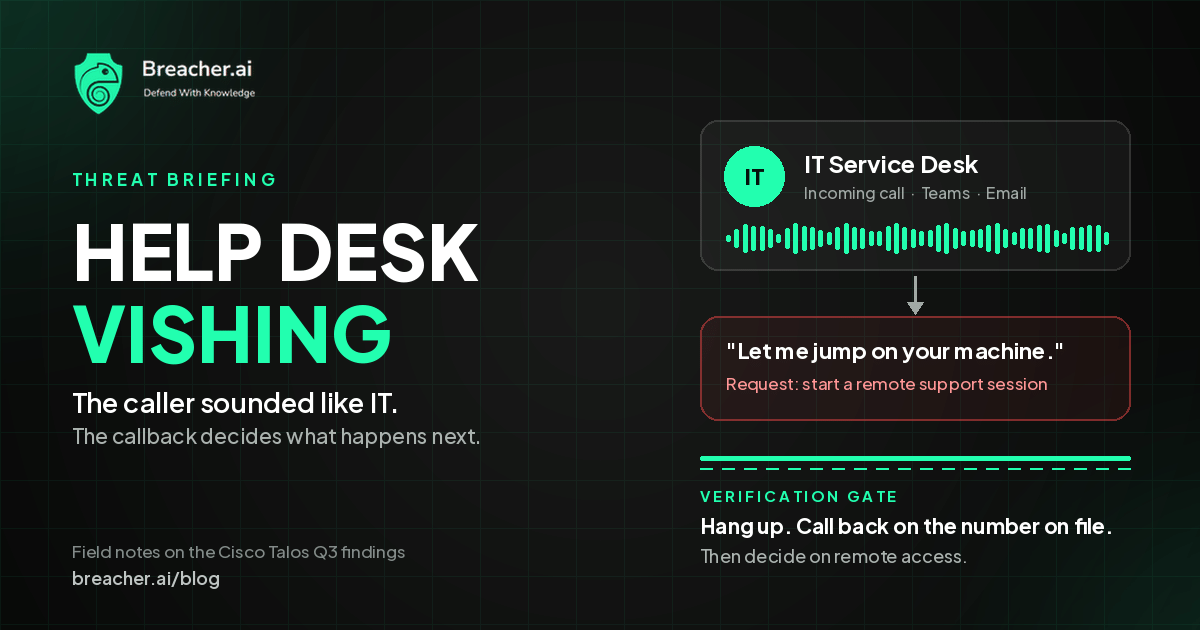
Depends on a step. End the unsolicited call, contact the help desk through the number in the service portal, and only then allow remote access. That step gives the same answer whether the caller is a person, a script or a flawless clone.
This is a case about human perception, not about technology. Technical controls are a big part of the answer and Breacher.ai is firmly for them: restrict Quick Assist and remote support tools by policy, allowlist approved RMM agents, lock down Teams external access, and turn on EDR tamper protection. A good simulation tests whether those layers hold too, so you see both the procedure and the control behind it.
How to stop help desk vishing: three controls from Talos, three procedures to add
What Talos recommends
- Phishing-resistant MFA. Move from push and SMS prompts to FIDO2/WebAuthn and hardware security keys. Where that is not yet feasible, enforce number matching or verified push.
- Help desk verification before MFA enrollment. Restrict self-service enrollment of new MFA methods so a caller with a stolen password cannot register their own device.
- Centralized logging with at least 90 days of retention. Forward logs off each device so they survive tampering and rebuilds. Insufficient logging was the leading weakness, seen in over 40% of Q3 2026 Talos IR engagements.
The procedure layer that makes them hold
- No remote session from an unsolicited contact. Write it down: IT never asks you to start Quick Assist or install a support tool on a call, chat or email it initiated.
- Call back on the number you already have. Verification happens on a channel the employee chooses, from the service portal or directory, never the number or link the caller supplies.
- Report without blame. The employee who reports a strange IT call is your early warning that the same caller is working through the rest of the directory.
What to measure
Click rates do not tell you whether this chain would stop. Three measures do. Coverage: do remote access, credential resets and MFA enrollment each have a written verification step? Process hold rate: does that step actually run when a convincing caller applies time pressure? Exception rate: how often is it waived, and by whom, because a procedure that holds most of the time still leaves a measurable gap.
How Breacher.ai tests help desk vishing
Breacher.ai runs help desk vishing as an orchestrated simulation, not a single phone call. Our OSES™ engine sequences the channels the way Talos saw them used: a ticket-style email, then a Teams message from “IT Service Desk”, then a live AI voice call that references the earlier messages. The voice agent holds a real two-way conversation and handles the inbound callback, the moment few platforms can run end to end. Multi-channel is not orchestration; the context carried from step to step is.
Every finding is named against a procedure, not a person: which verification step fired, which was skipped, and which was never written down. Results feed the OSES™ Risk Index, so you understand your risk and how you rank against your peers, and the platform generates training aligned to your own policies from what the simulation found. Explore the IT impersonation simulation, our vishing simulation, the remote support simulation drill, or the full simulation platform.
Measure your risk.
Train for what you find.
Prove it changed.
Find out whether your people call back before they let IT in.
Book Your DemoFrequently asked questions
Help desk vishing is voice phishing in which an attacker poses as an organization’s own IT help desk to talk an employee into a consequential action, most often granting remote access, resetting a credential or enrolling a new MFA device. Cisco Talos saw it in several Q3 2026 incident response engagements, and one ended in ransomware.
Talos observed numerous threat actors impersonating IT help desks by phone, email and Microsoft Teams to get employees to allow remote access through legitimate tools. In the VYPR case, a call led a user to start Microsoft Quick Assist, existing RMM software installed the payload, vulnerable drivers disabled EDR, and the intrusion ended in ransomware.
VYPR is a ransomware variant that Cisco Talos describes as new and operationally immature. It reuses older leaked Conti-derived code with minimal changes, its ransom note referenced no established data leak site, and its operators exfiltrated data over several days before encrypting.
Talos does not report that they did, and it could not confirm what the caller said in the VYPR case. The callers needed little more than employee names and email addresses. AI voice agents make the same call cheaper to place at scale, which is why the defense should rest on verification, not on spotting the caller.
Make it a written rule that no one starts a remote session from an unsolicited contact, and that every request is verified by calling the help desk back on a known number. Back that procedure with the controls Talos recommends: phishing-resistant MFA, help desk verification before MFA enrollment, and centralized logs kept for at least 90 days.
Run an authorized simulation that follows the real chain: contact from a help desk identity over email and Teams, then a live voice call asking for remote access. Breacher.ai runs these as orchestrated simulations and measures whether the verification step ran, whether the contact was reported, and whether access would have been granted.
Sources
Cisco Talos, IR trends Q3 2026: Actors impersonate IT help desks in vishing attacks as ransomware activity increases (October 29, 2026)
Help Net Security, Fake IT help desk callers got by on little more than names and email addresses (October 30, 2026)
Test the call before a real one comes in
Run an orchestrated help desk vishing simulation across email, Teams and voice, and see which verification steps hold under pressure.
Book Your DemoLatest Posts
Table Of Contents
About the Author: Jason Thatcher


 support@breacher.ai